A digital delivery note and a DeCA are not the same thing, even if they often travel on the same phone. The DeCA (Spain's electronic administrative control document) is the control document required by Order FOM/2861/2012, which has to be electronic from 5 October 2026; the delivery note (albarán) is a commercial document that proves delivery and is usually signed by whoever receives the goods. The authorities ask for one before the truck sets off; your customer asks for the other when the goods are unloaded.
Mixing them up causes problems both ways: some operators think their usual delivery note is enough, and others try to squeeze the delivery signature and photos into the DeCA. Here is what each document is, what the rules say about signatures, where photos of the container and the weighbridge ticket fit in, and how to run both in a single workflow.
What a DeCA is and what a digital delivery note is
The DeCA, an administrative control document
Article 3 of Order FOM/2861/2012 defines it as an administrative document that travels on board the vehicle with the goods. It contains the Article 6 data (the contracting shipper or cargador contractual, the actual carrier or transportista efectivo, origin and destination, nature and weight of the goods, date, plate numbers and, where applicable, the special traffic permit) and lets the Land Transport Inspectorate and roadside officers see who is carrying out the transport and for whom.
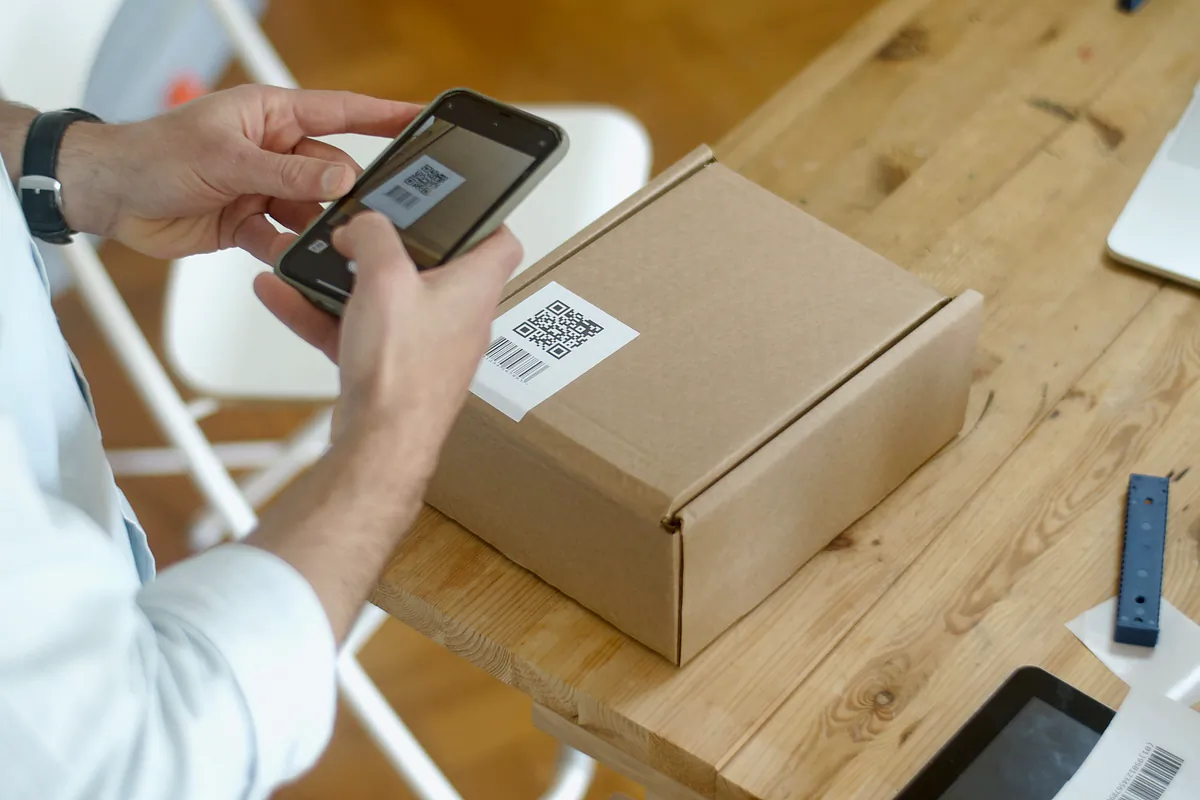
From 5 October 2026 it has to be digital: a native PDF of no more than 5 MB, with a QR code that leads to a unique direct-download URL, created before the service actually starts. If you want to go through it field by field, see the DeCA mandatory data fields.
The delivery note, a commercial proof of delivery
The delivery note is not governed by the transport control rules. It is a commercial document: it states what was delivered, to whom, when and in what condition, and the recipient signs it. It closes the transaction with the customer, backs up your invoice and protects you when someone claims that two pallets were missing or that the load arrived damaged.
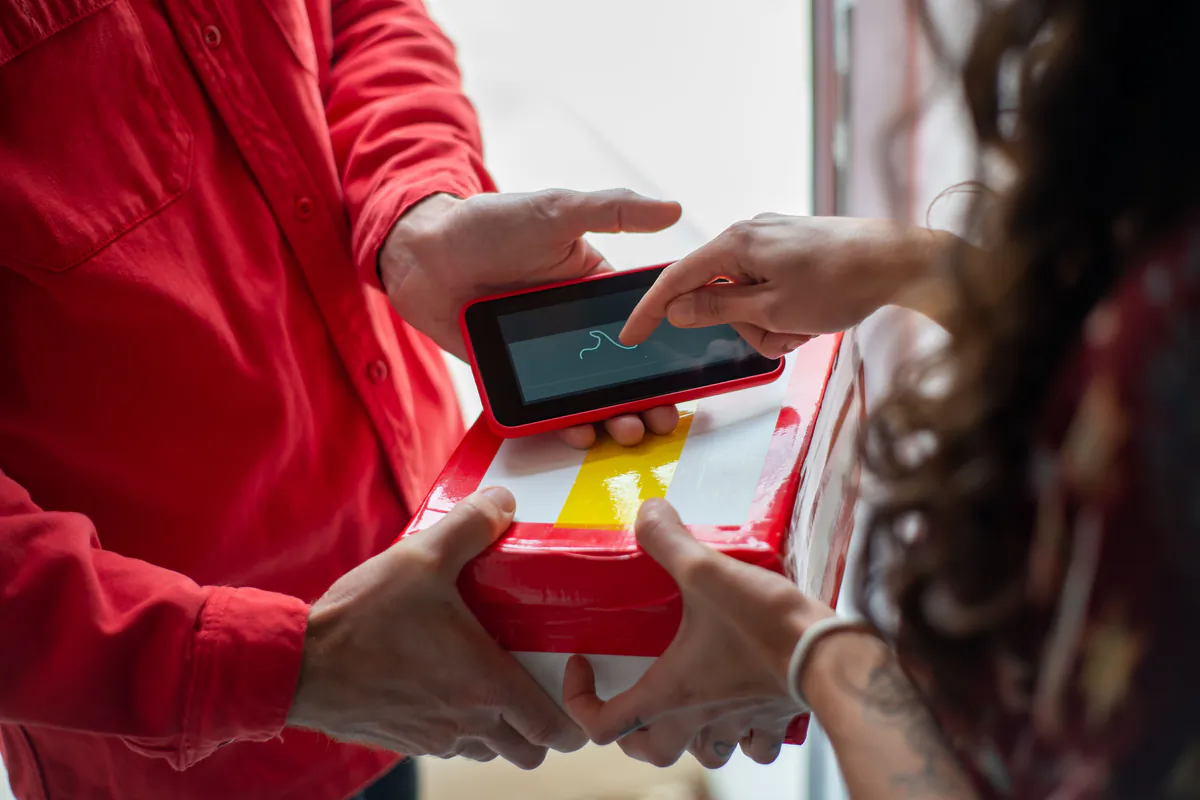
A digital delivery note is the same thing on the driver's phone: the recipient signs on the screen, photos are added and the PDF can reach the customer by email as soon as the delivery is closed.
Differences between the DeCA and a digital delivery note
| Aspect | DeCA | Digital delivery note |
|---|---|---|
| Nature | Administrative control document | Commercial proof of delivery |
| Who asks for it | The authorities: transport inspectors and roadside officers | Your customer or the consignee |
| When it is created | Before the service actually starts | At delivery |
| Content | The data in Article 6 of Order FOM/2861/2012 | Whatever the parties agree: goods delivered, recipient, incidents |
| Signature | Not mandatory | The recipient's signature is standard practice |
| Format | Native PDF of no more than 5 MB, with QR code and direct-download URL | Free-form, as agreed |
| Retention | At least one year | Whatever your obligations and customer agreements require |
| If it's missing | Serious infringement under Article 141.17 of the LOTT, 401 to 600 euros | Commercial problems: claims and late payments |
When a delivery note could double as a DeCA
In theory, it can. Article 2.2 of the Order accepts that a consignment note or another legally compliant document can serve as the control document if it contains all the Article 6 data. And the eighth section of the Resolution of 5 June 2026 of the Directorate-General for Road and Rail Transport accepts the format of any document used to record a transport service, provided it expressly and separately identifies the contracting shipper and the actual carrier.
In practice, merging them rarely pays off. The DeCA has to exist before the truck leaves, and any later change only counts if it's made using the methods set out in the Resolution. The delivery note, on the other hand, is closed at destination, with the signature and any issues at unloading. If you combine them into one document, every signature, photo and reservation at delivery becomes a modification of the DeCA. It's cleaner to keep two documents linked to the same job.
Signatures on the DeCA and on the delivery note
A signature is not mandatory on the DeCA. The Resolution itself explains why: neither Order FOM/2861/2012 nor Order FOM/1230/2013, its counterpart for passenger transport, sets any signature requirement for the control document to be valid, and the Ministry of Transport's official FAQ says the same. An unsigned DeCA is fully valid.
There is one special case. When, because of how the service works or because of the applicable rules, the DeCA is also used for contractual purposes and includes signatures, the fourth section requires at least an advanced electronic signature (AdES) as defined in Regulation (EU) No 910/2014, known as eIDAS. A qualified electronic signature (QES) is also valid.
For the delivery note, the control rules say nothing: the recipient's signature is a commercial practice to record the delivery. What matters is that it works as evidence if there is a claim, meaning it is clear who signed, when, where and on which document.
That's why in LeyDeca the recipient's signature goes on the delivery note, not on the DeCA. It is a delivery signature that records evidence (the document's SHA-256 hash, the date and time, the location and the device) and is designed as proof of delivery, not as the advanced signature the Resolution requires for a DeCA with contractual value.
Photos of the container and the weighbridge ticket
No transport regulation requires photos of the container or the weighbridge ticket. Neither Order FOM/2861/2012 nor the June Resolution mentions them. They are an industry practice, common with skips, aggregates and bulk loads, born of the usual disputes: whether the container was full or half-empty, whether there was material that shouldn't have been there, how much the load really weighed.
An example. Áridos del Jalón sells gravel to local building contractors and hires Transportes Moncayo for the haulage. Every few weeks a site manager disputes the quantity received. Moncayo now asks the driver for one photo of the load before tipping and another of the quarry's weighbridge ticket, and records the weight and ticket number on the delivery note. When a claim comes in, it's settled by opening the delivery note PDF. The same applies to skips on building sites: a photo before the container is covered ends the argument about whether it was full.
LeyDeca lets each company decide which photos are mandatory before the delivery note can be closed, for example at least one of the container and one of the weighbridge ticket, and lets the driver record the weight and ticket number. Photos are compressed on the phone before upload, to around 200 to 400 KB each, so they use little mobile data. There's more detail on the digital delivery note with signature and photos page.
When the ticket weight doesn't match the DeCA
This is where the two documents meet. If the weighbridge ticket shows a different weight from the one on the DeCA and the truck is already on its way, the DeCA figure is corrected using the methods in the Resolution, with the ticket number as the reason. The contracting shipper is answerable for the weight, so it makes sense for the change to be made or approved by them. We explain it step by step in how to modify a DeCA mid-journey.
How to run the DeCA and the delivery note in one workflow
The practical approach is to hang both documents off the same job and give the driver both in the same app. A normal day between Áridos del Jalón and Transportes Moncayo looks like this:
- The evening before or first thing, the office issues the DeCA with the Article 6 data: Áridos del Jalón as contracting shipper, Moncayo as actual carrier, from the quarry at Épila to a building site in Valdespartera (Zaragoza), 24,000 kg of gravel, tractor unit 6093 MBR and tipper semi-trailer R-2318-BDK.
- Before setting off, the driver has the DeCA on the phone with the QR code. If stopped, the driver shows the QR code and the officer downloads the PDF.
- At the quarry, if the weighbridge ticket shows a different weight, the office modifies the DeCA and the new version reaches the driver.
- On site, the driver opens the delivery note: the site manager signs on the screen, plus name and ID number, date and time, location, photos of the load and the ticket, and notes if there are any reservations.
- When the delivery is closed, the delivery note PDF can be emailed to the consignee and is stored, just like the DeCA.
- Back at the office, both documents are in the same system when the customer raises a claim or an inspection comes up.
The driver doesn't switch tools or carry separate paperwork for each thing: the DeCA's QR code is for roadside checks and the delivery note is for the customer. You can see what it looks like for the driver in the DeCA driver app.
Common mistakes when combining delivery notes and the DeCA
- Assuming your usual delivery note is enough. It would only work if it carried all the Article 6 data, distinguished the contracting shipper from the actual carrier and met the DeCA's technical requirements.
- Waiting until delivery to create the DeCA. It has to exist before the service actually starts.
- Asking for a signature on the DeCA "just in case". It isn't mandatory, and if the document is signed for contractual purposes, the signature has to be at least advanced.
- Correcting the weight only on the delivery note. If the DeCA says something else and the truck is on the road, the DeCA has to be corrected too.
If your drivers currently keep the control document in one folder and the delivery notes in another, book a free, no-obligation demo and we will show you how a week of deliveries is closed with LeyDeca, with the DeCA and the delivery note in the same app.