A valid DeCA (Spain's electronic administrative control document) is a PDF generated directly by an application, containing the data required by article 6 of Order FOM/2861/2012, a QR code inside the document itself and a unique URL that downloads that PDF without asking for a password. To make it concrete, we will walk through a complete DeCA example: a load of tiles from Cerámicas del Ebro, from Castellón to Getafe, weighing 18,400 kg. At the end you will see why a Word or Excel template filled in by hand and scanned does not work as a control document PDF, and what you can use as a model instead.
The job in this example
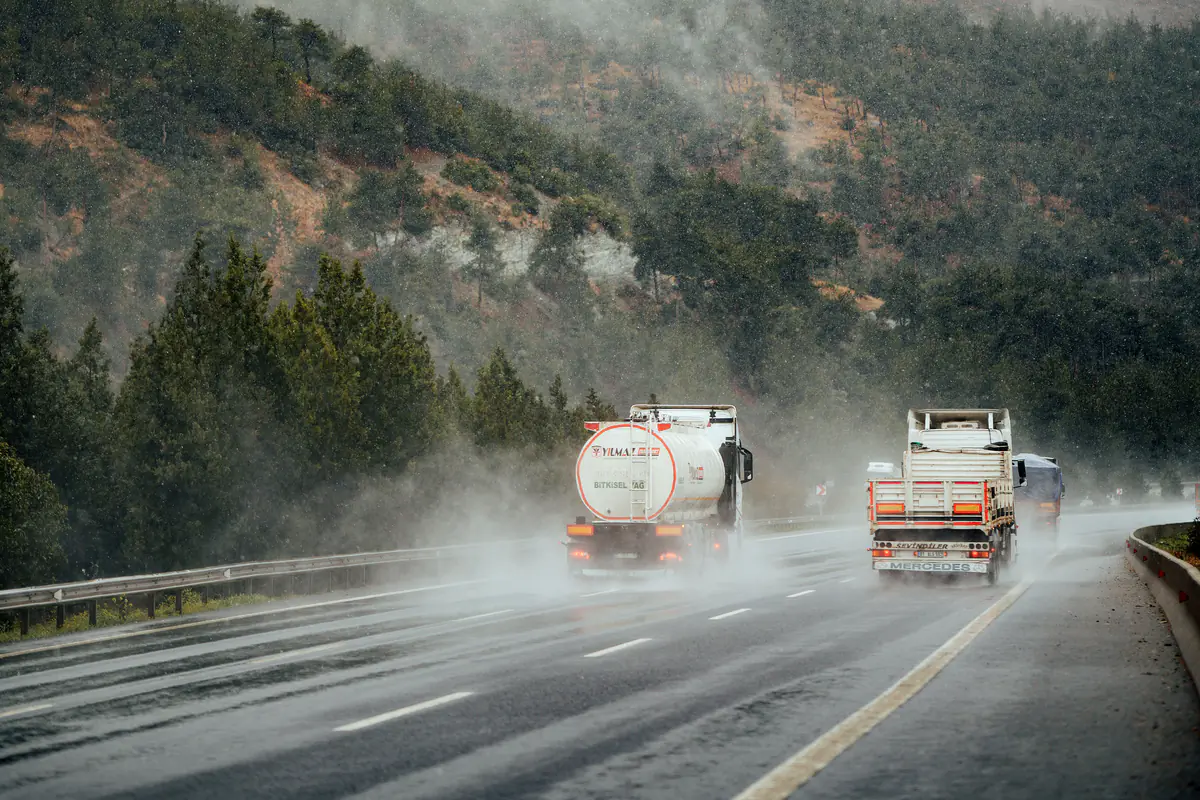
Cerámicas del Ebro makes porcelain stoneware tiles in Onda, in the province of Castellón, and contracts Transportes Moncayo directly to deliver 16 pallets to a building materials warehouse on the Los Olivos industrial estate in Getafe, south of Madrid. Nobody else is involved in the contract, so Cerámicas del Ebro is the contracting shipper (cargador contractual) and Moncayo is the actual carrier (transportista efectivo).
The truck leaves on Tuesday 6 October 2026 at 6:15 with tractor unit 4821 LKM and semi-trailer R-7745-BCX. Moncayo's planning office issues the DeCA on Monday 5 at 18:52, using the data the customer sent by email. The document is numbered DC26-000418.
What data this DeCA example contains
The first part of the PDF is the one that looks most like the old paper form: the article 6 data, laid out so an officer can read them in a few seconds.
| Field (art. 6) | Value in the example |
|---|---|
| a) Contracting shipper | Cerámicas del Ebro, S.L. · NIF B12345674 · Ctra. de Alcora, km 6, 12006 Castellón de la Plana |
| b) Actual carrier | Transportes Moncayo, S.L. · NIF B00000000 |
| c) Origin and destination | Factory in Onda (Castellón) · Warehouse on the Los Olivos estate, Getafe (Madrid) |
| d) Nature and weight | Porcelain stoneware tiles on 16 pallets · 18,400 kg |
| e) Special permit | Not applicable |
| f) Date of transport | 6 October 2026 |
| g) Registration plates | Tractor unit 4821 LKM · Semi-trailer R-7745-BCX |
| h) Remarks | Shrink-wrapped pallets, do not stack. Unloading with the consignee's forklift. |
Notice two details. The shipper's address, its head office in Castellón de la Plana, does not match the origin, the factory in Onda, and that is fine because they are different data. And only the name and tax ID of the actual carrier appear, because the Order does not ask for its address.
The example also includes three items that are not mandatory but help day to day: the driver's name, the customer's order number (26/3315) and the consignee's name. None of the three is required by the Order.
What the PDF carries on top of the data
This is where it differs from a paper control document. The Resolution of 5 June 2026 of the Directorate-General for Road and Rail Transport (BOE-A-2026-12784) sets a number of requirements for the file itself.
A QR code inside the PDF
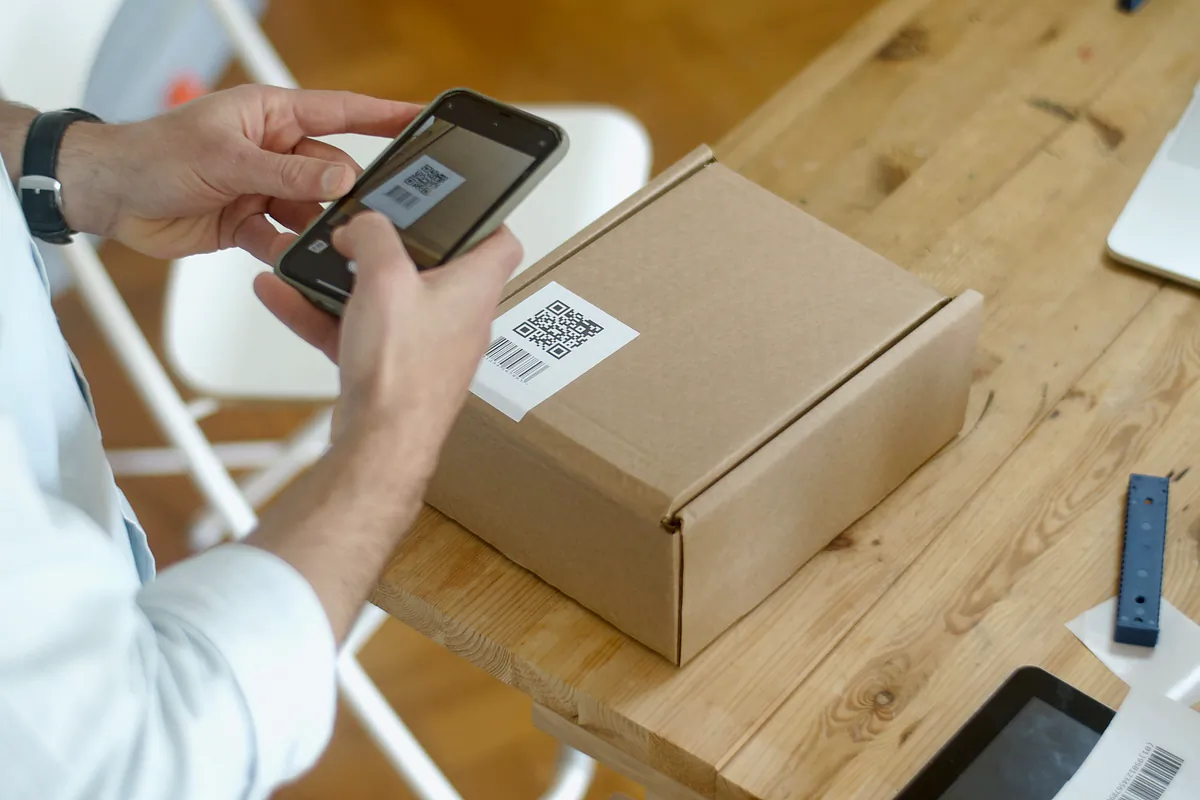
At the top of the document there is a QR code containing the URL of that DeCA. It has to be inside the PDF: sending it separately is not enough, although the driver may also carry the QR code as a separate image. This is what the officer scans at a roadside check, and if the driver cannot show the whole document, the Resolution allows the QR code alone to be shown.
A unique URL with direct download
Every DeCA has its own web address. In our example, generated with LeyDeca, it takes the form https://leydecasoftware.com/d/ followed by a random 22-character code, and it is also printed next to the QR code in case someone needs to type it in. The Resolution sets these conditions:
- It starts with https:// and uses TLS 1.2 or higher.
- Opening it downloads the PDF directly. A page asking for a username or password is not valid, and neither is one with a download button.
- It may include security measures such as tokens or expiry, but it cannot expire before the service ends.
- Seven calendar days after the end of the service, the download may be switched off.
Creation date and time in the metadata
The PDF stores its creation date and time in its metadata and, if it is amended, the modification date and time as well. In the example, the creation stamp reads 5 October at 18:52, before the truck sets off. That is the proof the document existed before the service actually started, which is what the Resolution requires. Anyone can check it in the document properties of a PDF reader.
A maximum size of 5 MB
A text PDF with a QR code takes up very little space. LeyDeca's usually stay under 300 KB, well below the limit. Size problems appear when someone embeds photos or scanned pages in the document, which is exactly what should not be done.
The SHA-256 hash, an extra the rules do not require
At the foot of the example there is a SHA-256 hash: a 64-character code calculated from the content, which changes completely if a single item of data is altered. The Resolution does not ask for it. It is something some programs add, LeyDeca among them, so you can check later that the stored document has not been tampered with.
Why a scanned Word or Excel template does not work
Some companies keep their control document template in Word or Excel: they print it, the driver fills it in by hand and, at best, someone scans it when the truck gets back. From 5 October 2026 that is no longer valid. The Resolution requires the PDF to be generated natively in digital form, meaning it must come from turning an application's structured data into readable text. It adds that files obtained by scanning paper or from digitised images are not valid.
Filling in the template on a computer and saving it as a PDF does not solve the problem either. That file is not a scan, but the Resolution asks for much more than a PDF:
- An application that holds the article 6 data in its database and records the date and time of creation and of every amendment.
- A repository where the file is stored under a unique URL that downloads the PDF with no manual steps.
- The QR code with that URL inside the PDF, which means knowing the address before the document is generated.
- An amendment method that keeps the previous data, marked as no longer valid, along with the reason for the change.
- Storage for at least one year, with access for the other party to the job.
Putting all that together by hand for every job is possible in theory and very impractical in reality. Besides, many sharing links from cloud storage services open a preview page with a download button, and that kind of link is precisely what the Resolution rules out.
The alternative to a template is an application that does all of this for you. There is a free public one, SIMPLE, run by the Ministry of Transport, Puertos del Estado and ADIF, which among other things generates DeCAs and which you apply to join through its website. There are also private programs that add things such as a customer address book, route templates or a driver app. Neither option is compulsory: what the rules require is that the document meets the Resolution.
What you can use as a template
The layout of the document is up to you. Article 5 of Order FOM/2861/2012 says the control document is freely edited and may follow whatever model, format and title suits best. The Resolution confirms this in its eighth section: the format of other transport documents can be used, such as a consignment note, the dangerous goods transport document (ADR), the waste identification document (DI) or the animal by-products document (SANDACH).
There are two conditions. The document must include all the article 6 data and must identify the contracting shipper and the actual carrier expressly and separately. A consignment note that only talks about a "sender" and a "carrier" may leave doubts about who is who, because the sender is not always the contracting shipper. With both labels clearly in place, the doubt disappears.
In other words, your usual form can serve as a visual template, provided an application generates it from the data and the result meets everything above. If you want to check what has to appear, see the DeCA mandatory data fields.
How to check that a DeCA is valid in five minutes
If you are already issuing documents, take one from yesterday and run this test:
- Scan the QR code with a phone that is not logged into your software. The PDF should download, with no login screens or buttons.
- Look at the address: it must start with https://.
- Open the PDF properties and find the creation date. Compare it with the truck's departure time.
- Try to select a piece of text. If you cannot, the PDF is very probably an image rather than a native document.
- Check the file size, which cannot exceed 5 MB.
- Go through the article 6 data and confirm they are all there, with both plates for an articulated vehicle.
If anything fails in points 1 to 4, filling the form in more carefully will not fix it. The problem lies in the tool that generates the document.
When something in the example has to change
Say that, with the truck already on the A-3, Cerámicas del Ebro asks for delivery at a different warehouse in Getafe. The DeCA is not corrected with a pen, nor is a fresh one issued without further ado. The Resolution provides two methods: amend the existing PDF, adding the new data and the reason and marking the old data as no longer valid, keeping the same URL and QR code; or generate a new PDF with a new URL and QR code, keeping the original. Either way, the driver must receive the new version. We cover more cases in how to amend a DeCA during the service.
And if you want to know exactly what the officer does with that QR code when the truck is pulled over, we explain it step by step in roadside inspections with a DeCA.
If you would like to see this same example with your own customers and trucks, LeyDeca generates the PDF with the QR code, the URL and the metadata from the first job, and we can show it to you in a free, no-obligation demo. The details are in the DeCA software features.