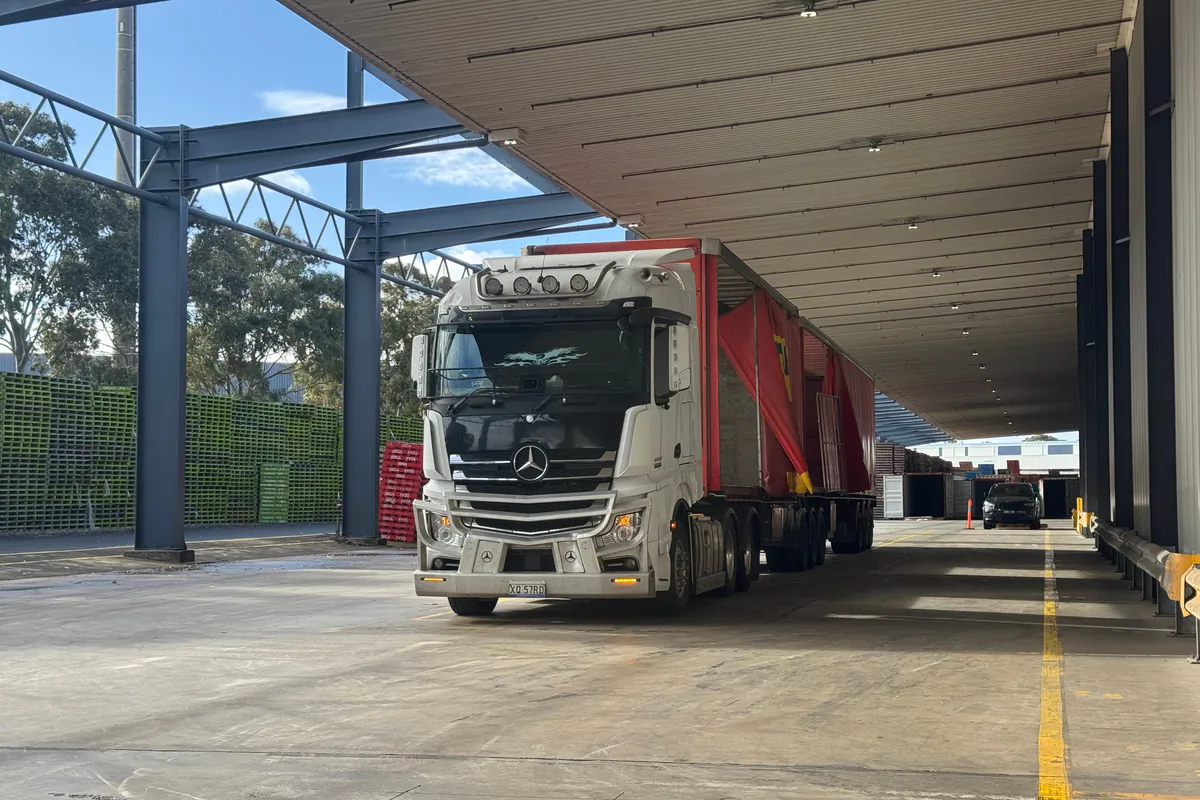
If you are an owner-operator (autónomo) with your own transport authorisation and you carry goods within Spain, every load since 5 October 2026 needs its DeCA (Spain's electronic administrative control document), just like a fleet of a hundred trucks. That includes cabotage by hauliers from other EU countries. You do not need an office or a computer: you can issue it from your phone before setting off or receive the one your shipper prepares. What you do need is clarity on who issues it for each job, and a copy with its QR code in the cab.
This guide is for people who drive and do the paperwork themselves: what applies to you, what to check when an agency sends you its DeCA and what it costs.
The DeCA applies to owner-operators too
Ley 9/2025, de 3 de diciembre, de Movilidad Sostenible (the Sustainable Mobility Act) requires the control document of Orden FOM/2861/2012 to be digital from 5 October 2026. The rules make no distinction by company size. The obligation falls on the actual carrier (transportista efectivo), who holds the authorisation used for the transport, and on the contracting shipper (cargador contractual), who hires you directly. If the truck runs under your authorisation, you are the actual carrier, with one truck or with twenty.
Some cases are excluded. Article 2 of the Order leaves out transport that needs no authorisation, removals, the carriage of crashed or broken-down vehicles in special vehicles, and parcel services with a few packages that one person can handle alone with the vehicle's own equipment. Light vehicles fall into the first group: under Article 33.2.d of the ROTT (the regulation that implements Spain's Land Transport Act), carrying goods in vehicles with a maximum authorised mass of no more than 2 tonnes needs no authorisation (up to 2.5 t for N1 vans running on alternative fuels, with conditions), so it is outside the control document. A van over 2 t and up to 3.5 t that needs an authorisation does carry a DeCA, unless another exemption applies, such as parcel services.
International journeys use the CMR consignment note or e-CMR, not the DeCA; cabotage within Spain, on the other hand, does need it. The details of each exemption are in our article on control document exemptions.
Who issues the DeCA when you are an owner-operator
The rules bind both the contracting shipper and the actual carrier, but do not say which of them has to generate the document. For an owner-operator there are three typical situations.
You work for an agency or logistics operator
The agency that hires you is your contracting shipper. If it issues the DeCA from its software, it will send you the link or the PDF by WhatsApp or email, and you do not need to generate another one for the same consignment. What you need is your copy before departure, your own details checked and the ability to download the document for a year. There are more examples in our guide to contracting shippers and actual carriers.
The factory or quarry hires you directly
Áridos del Jalón calls you to take gravel from its quarry in Calatayud to a building site in Cuarte de Huerva. Áridos del Jalón is the contracting shipper and you are the actual carrier. If the quarry has no software to issue it, the practical option is for you to issue it with the details they give you: name or company name, tax ID and address of the shipper, origin and destination, goods and weight.
You subcontract to another haulier
If a job comes up that you cannot do and you pass it to another owner-operator, you become the contracting shipper for that consignment. You are liable for the details of the parties, the origin and destination and the goods, and the sensible thing is to issue the DeCA yourself or make sure someone issues it before your colleague sets off.
What to do when the shipper sends you its own DeCA
Receiving a ready-made DeCA is convenient, but it does not remove your liability. Since Orden TRM/282/2026 of 25 March, the actual carrier is liable for the date, the registration plates and the special traffic permit if there is one. Before you set off, check five things:
- The QR code downloads the PDF. Scan it with your own phone. The PDF should download directly, with no username, password or buttons.
- Your details are right. Your name or company name and tax ID as actual carrier.
- The plates are yours. Both the tractor unit and the semi-trailer. If you are pulling a different trailer today, ask for it to be changed.
- The date is today's and the document reached you before departure.
- It is saved on your phone or printed, in case there is no signal at the check.
If something is wrong, do not correct it with a pen, because handwritten annotations on a printed copy do not count. Ask the agency to amend it. It can add the new data to the same PDF, with the reason and the old data clearly marked as no longer valid, or generate a new PDF with a new QR code. Either way, the correct version has to reach you.
Think about record keeping too. You must be able to produce that DeCA for a year, and the Resolution of 5 June 2026 of the Directorate-General for Road and Rail Transport says that if the other party generated the files, it is enough for you to be able to download them during that time. But the QR code link can be deactivated seven calendar days after the service ends. Ask for access that lasts the full year, or save the PDFs yourself in a folder for each month.
What to have ready before your first load
A little preparation saves you a rush at the quarry at six in the morning. Before you issue your first DeCA, have these at hand:
- Your details as actual carrier: name or company name and tax ID.
- The plates of your tractor unit or rigid truck and of every semi-trailer or trailer you use.
- The customers who hire you directly, with name or company name, tax ID and full address.
- The loading and unloading points you repeat: quarries, building sites, warehouses, industrial estates.
- A clear agreement with each agency on who issues the DeCA and how your copy reaches you.
- Your phone with mobile data, a charger in the cab and, if you like carrying paper, a printer at home.
Get customers and tax IDs right from the start: a badly copied tax ID or a half-finished address gets dragged into every document you issue afterwards.
How to issue the DeCA from your phone before setting off
When it is your turn to issue it, the first time is the slowest, because you enter all of the above into the software. After that, most days you repeat familiar journeys. This is what a normal morning could look like for Raúl Gimeno, an owner-operator based in Calatayud with tractor unit 2391 MBK and tipper semi-trailer R-4410-BDF:
- 06:10, at the Áridos del Jalón quarry. He loads gravel and crosses the weighbridge: 25,300 kg on the ticket.
- He opens the software on his phone and duplicates yesterday's DeCA. The shipper, himself as actual carrier, the origin and the destination are already filled in.
- He adjusts what has changed. Today's date and the weight on the ticket. If he were pulling a different trailer, the plate too.
- He issues it. The PDF is generated with its QR code and URL, and the creation time is recorded before departure.
- He sets off with the DeCA on his phone, saved so he can show it at a check even without signal.
- At the site, if he uses a digital delivery note, he collects the site manager's signature and takes a photo of the weighbridge ticket.
If you load somewhere without a weighbridge, such as soil from an excavation, the Order allows another unit of measure when the exact weight is hard to know: cubic metres, for example. And if you do several runs a day for the same shipper, the Resolution allows several consignments in one DeCA when the contracting shipper and the actual carrier are the same, as long as each consignment shows its origin, destination, goods and weight. Each consignment's details still have to be in the document.
What it costs an owner-operator to comply
The real cost has three parts:
- The tool, if you are the one issuing. There is a free public platform and there are paid private programs; with the latter, ask for the price and terms in writing before you sign up.
- Your phone with data, which you already have. Issuing needs a connection, because the PDF is stored in a repository with its URL; showing a DeCA saved on the phone does not.
- Your time. With customers and places saved, a repeat job is a quick check and a tap; the first one takes longer.
The free option is SIMPLE, a public platform run by the Ministry of Transport, Puertos del Estado and ADIF that, among other things, generates the DeCA. Access is requested on its website, and according to its manual each DeCA is created by completing three forms. It is not mandatory: you can use whatever application you like, and the Ministry's FAQ makes clear that applications do not need to be certified and nothing has to be uploaded to any Ministry platform. A program like LeyDeca is built for the daily routine: contacts and templates so you do not retype the same details every morning, tax ID and plate validation, the driver app with control mode, the QR access log and the delivery note with signature and photos.
At LeyDeca, the Basic plan costs €39 a month plus VAT and covers up to 5 drivers, with unlimited DeCAs and delivery notes with signature and photos. The demo is free with no obligation. Details of each plan are on the pricing page.
And an honest calculation. If you always work for one or two agencies that send you a ready-made DeCA, you may not need a tool of your own: receiving the link, checking it and keeping the PDFs for a year is enough. Having your own tool pays off when you have customers who do not issue the document, when you subcontract or when you want all your documents in one place. On the other side of the scale, a single serious offence involving the control document carries a fine of 401 to 600 euros, and the Ministry has made clear there will be no additional period without fines after 5 October.
Battery, signal and paper copies
The driver must carry the DeCA copy from before departure, on the phone or printed, and always with the QR code. At a check you show the DeCA with the QR code or, if you have nothing else, just the QR code. Three habits that prevent surprises:
- Open the day's DeCA before setting off, so it is saved on your phone and you can show it without signal.
- Keep a charger in the cab. If the phone dies and there is no paper copy, you have nothing to show at the check.
- If you prefer paper, print the PDF with its QR code. It is just as valid, but any change has to be made in the system, not by hand.
What happens at a check is covered in our guide to roadside inspections and the DeCA QR code.
LeyDeca has a driver app that installs from the browser on Android or iPhone, with no app store involved, and a plan designed for people with a single truck. If you want to see how it looks on a phone before deciding, have a look at the DeCA driver app.